
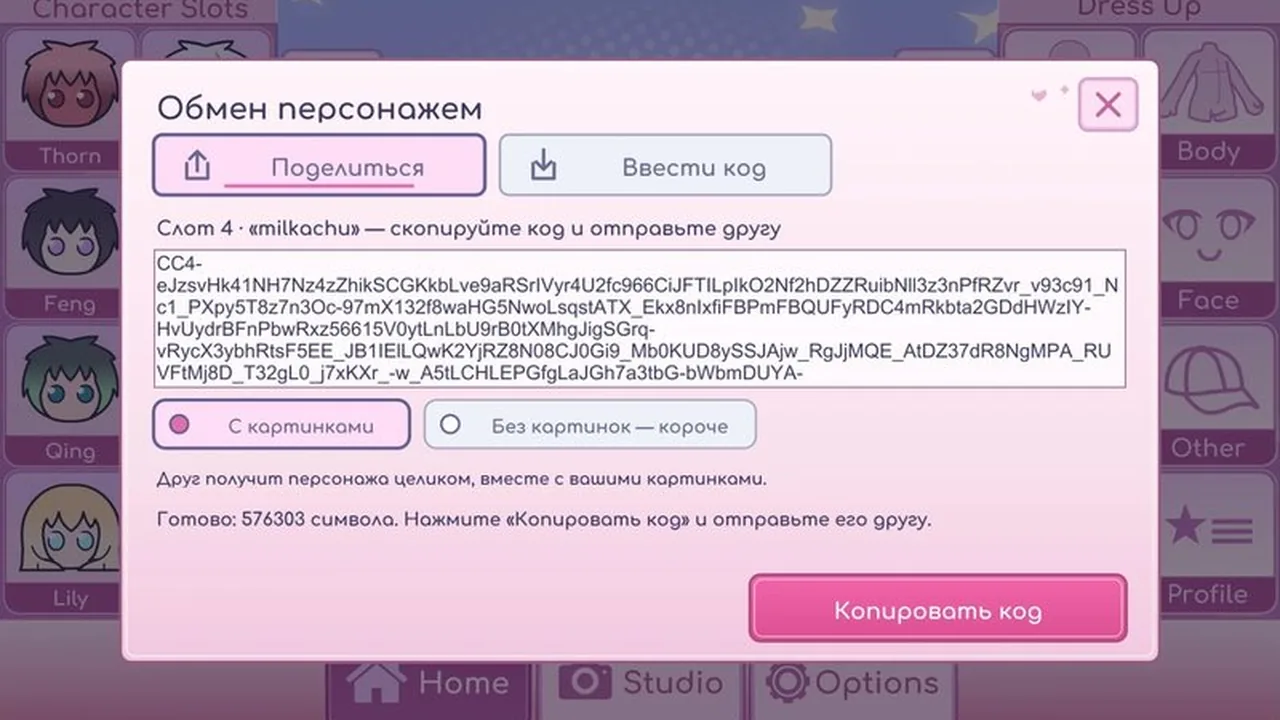

Making a Code
Chibichu character guide turns a finished character into a code from the export area, beside the PNG, PSD, and SVG buttons in the left column. The code carries the character: parts, colours, pose, and the choices that make it yours. The Export guide and Backup guide guides cover the neighbouring steps.
Make the code after the character is truly finished. A code made mid-edit freezes the character at that moment, and later edits need a fresh code.
Loading a Code
Loading a code brings the character into a slot, ready to edit or place in a scene. Check it after loading: parts, colours, and pose should match what you sent, and imported resources behind the character may need loading separately.
If a piece looks wrong after loading, re-import the missing resource and save the character again. Codes are a starting point, not a sealed parcel.
Sharing Well
Share codes with the character name and a note about what it needs: which imported pieces, which pose, which background suits it. A code with context gets used; a bare code gets forgotten.