

Why Back Up
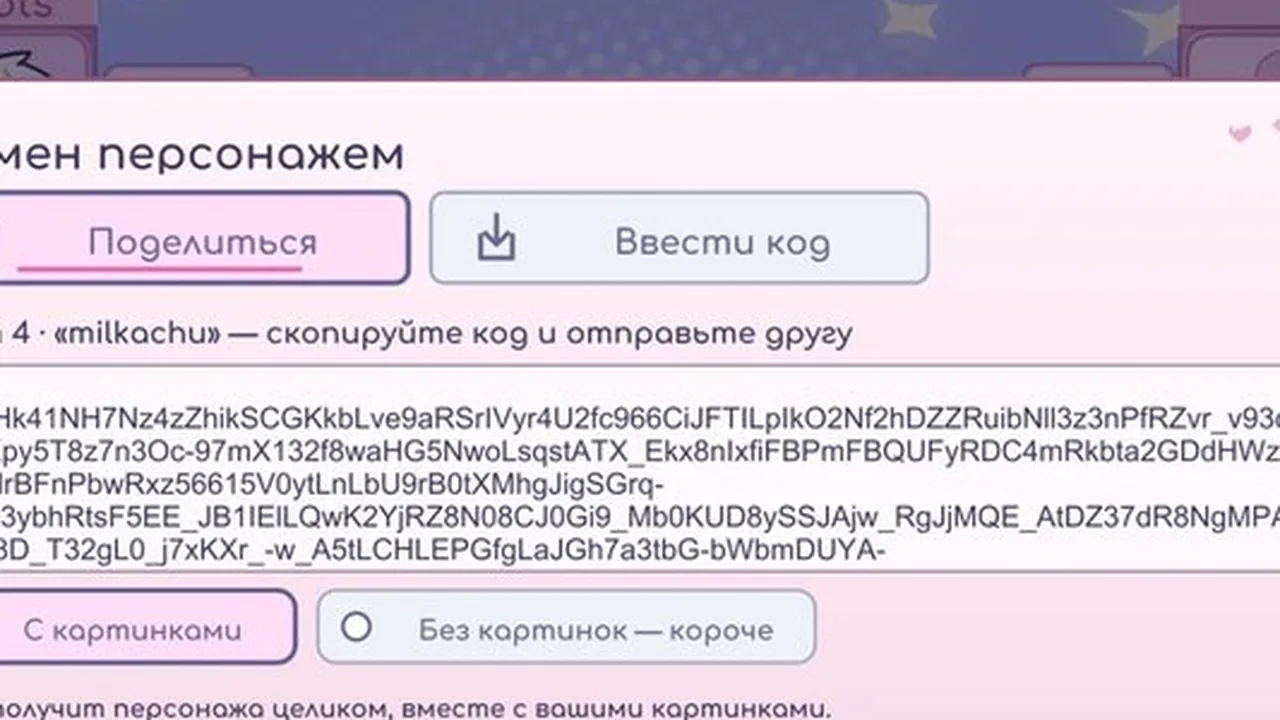
Chibichu download is a release candidate, and the save format can change between builds. A backup costs nothing against a lost afternoon of posing, and the app gives you two easy ways to make one: export and share codes. The Export guide and Share codes guides cover the neighbouring steps.
Back up before every update, and before any big posing session. The habit matters more than the method.
Export Backups
PNG export gives you a picture of the character, SVG gives you clean lines, and PSD export keeps its layers for desktop editors. A layered PSD is the most complete backup, since the character can be rebuilt from it without a redraw. Export the characters you care about, not just the one you are working on.
Share Code Backups
Share codes are the fastest backup: turn a finished character into a code and keep the code somewhere safe. Loading it later brings the character back, though imported resources behind it may need loading separately. Keep codes with notes about what they need.