
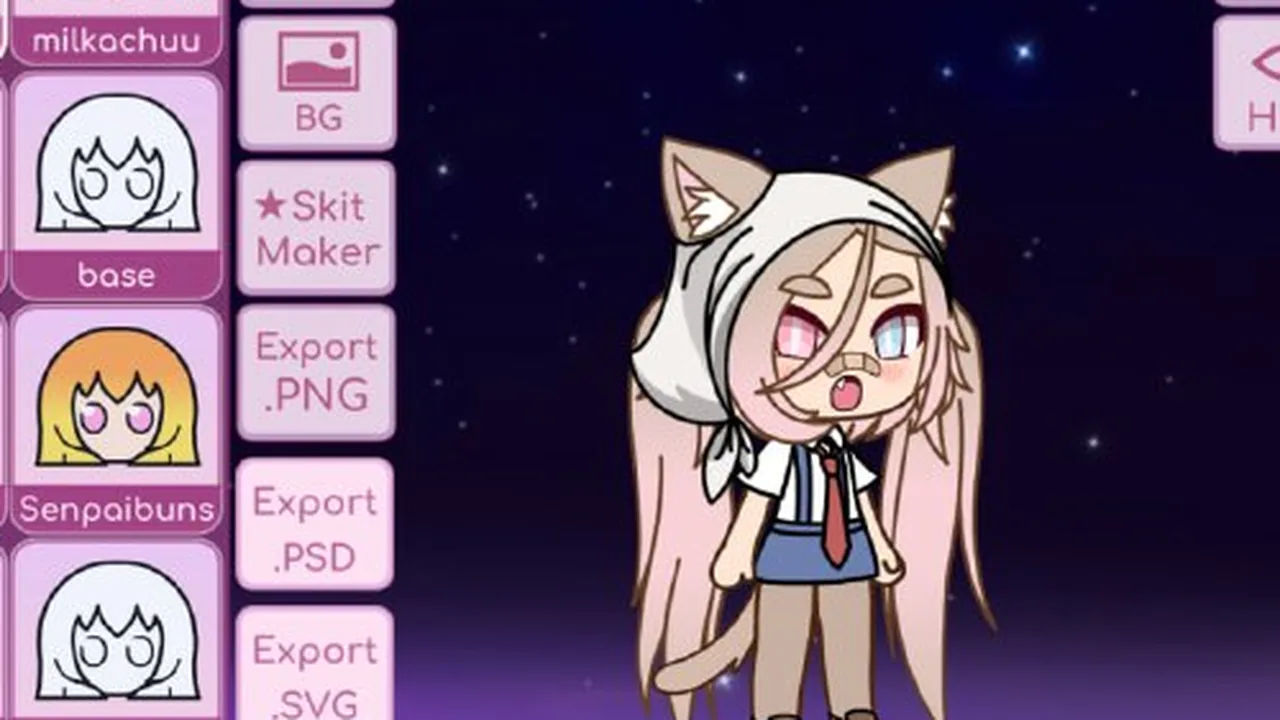

PNG: For Posting
Chibichu on Android PNG export gives you a flat picture, ready to post. It is the fastest way out of the app and the right choice for sharing a finished character on social feeds, where a single image is all anyone sees. The Share codes and Studio scenes guides cover the neighbouring steps.
Export at the size you need. A PNG made for a feed post and a PNG made for a wallpaper are different jobs, and exporting once at the larger size covers both.
SVG: For Scaling
SVG export gives you clean lines that scale without softening. It suits logos, stickers, and prints, where the same character must look sharp at any size. If a line looks wrong in SVG, check the outline colours first, since per-piece outlines carry the drawing.
PSD: For Desktop Editing
PSD export keeps its layers, so a character can go from phone to desktop editor without a redraw. Open the file in a compatible editor, adjust a layer, and the rest of the character stays untouched. That round trip is the reason creators keep PSD in the workflow even when PNG is faster.