
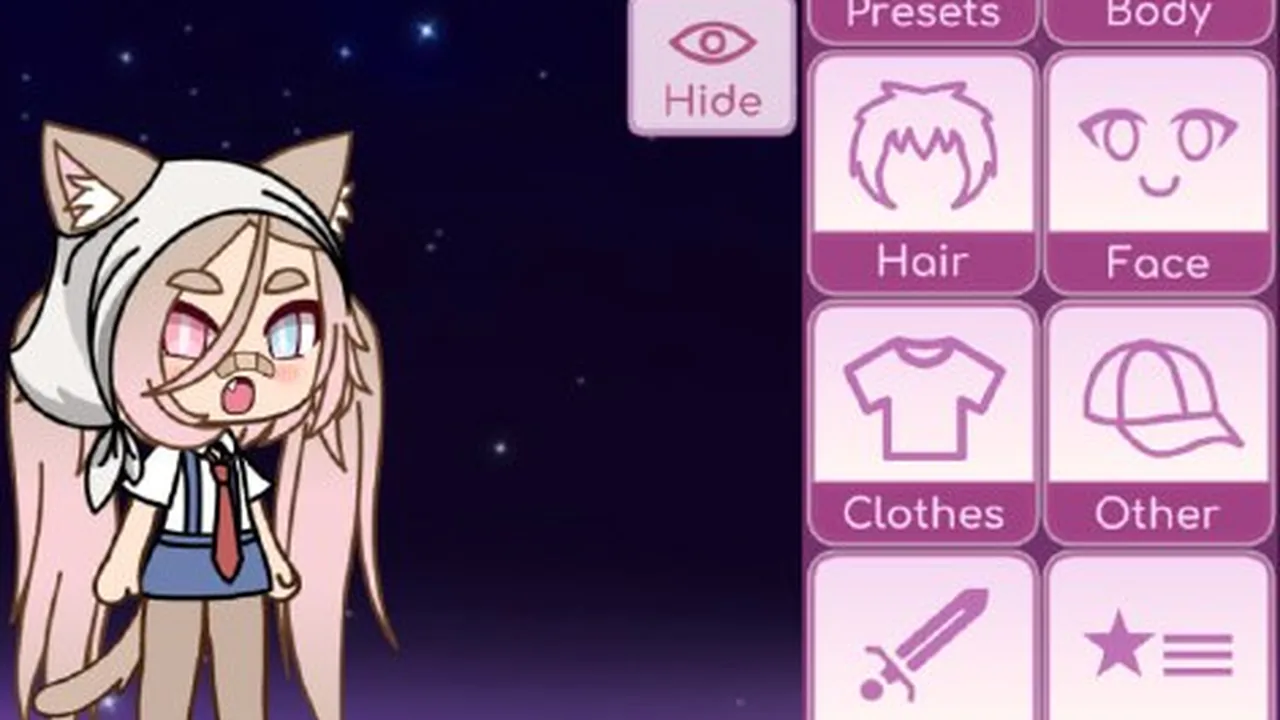

Position and Size
Chibichu character guide accessories get the same position and size controls as every other part. Position decides where an accessory sits, size decides whether it reads as a detail or a headline, and the two together decide whether it finishes a character or crowds it. The Import guide and Hair guide guides cover the neighbouring steps.
Place accessories after clothes, and check them at Studio size. An accessory that looks perfect large can dominate a scene when everything shrinks.
Outlines for Accessories
Outline colours change per piece, so accessories can carry their own edge. A darker outline on a small accessory keeps it visible against busy clothing, and a matching outline lets a quiet accessory sit back where it belongs.
Imported Accessories
Imported PNG accessories work like built-in ones, with position and size controls after import. Keep the source image clean and simple: a crisp shape beats a detailed picture at accessory size, and a named file keeps the resource area searchable.