
Position and Size
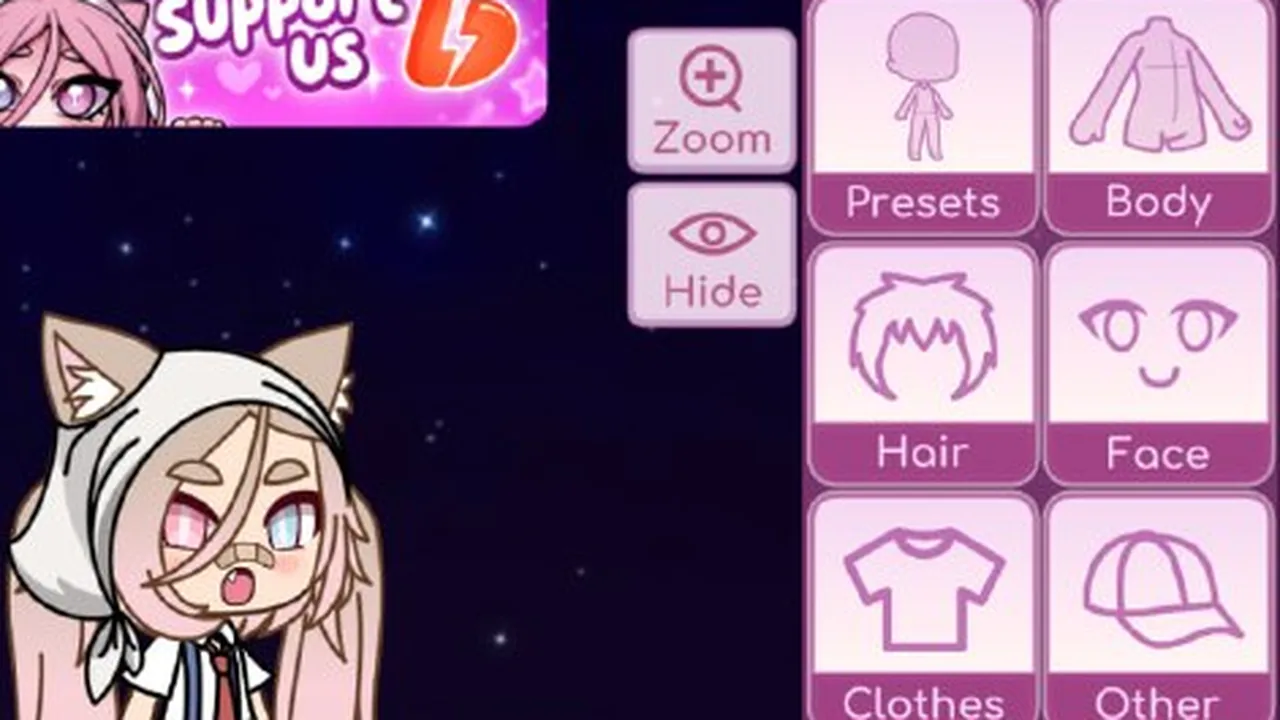
Chibichu APK hair gets position and size controls, like every other part. Position decides where the hair sits, size decides how much face it leaves visible, and the two together decide whether a hairstyle frames the face or swallows it. The Eye and face guide and First character guides cover the neighbouring steps.
Adjust hair before the face, and check it at small size. A style that looks fine large can cover the eyes in a Studio scene, where everything shrinks.
Colour and Outlines
Hair colour uses the familiar circular and slider-style controls, and outline colours change per piece, so hair outlines can differ from clothing outlines. A darker outline on hair separates it from the background, which matters most for dark hairstyles on dark backgrounds.
Imported Hairstyles
Imported PNG hairstyles work the same way as built-in ones, with position and size controls after import. Keep the source image clean and simple, and name it for the style it is, so the resource area stays searchable.