
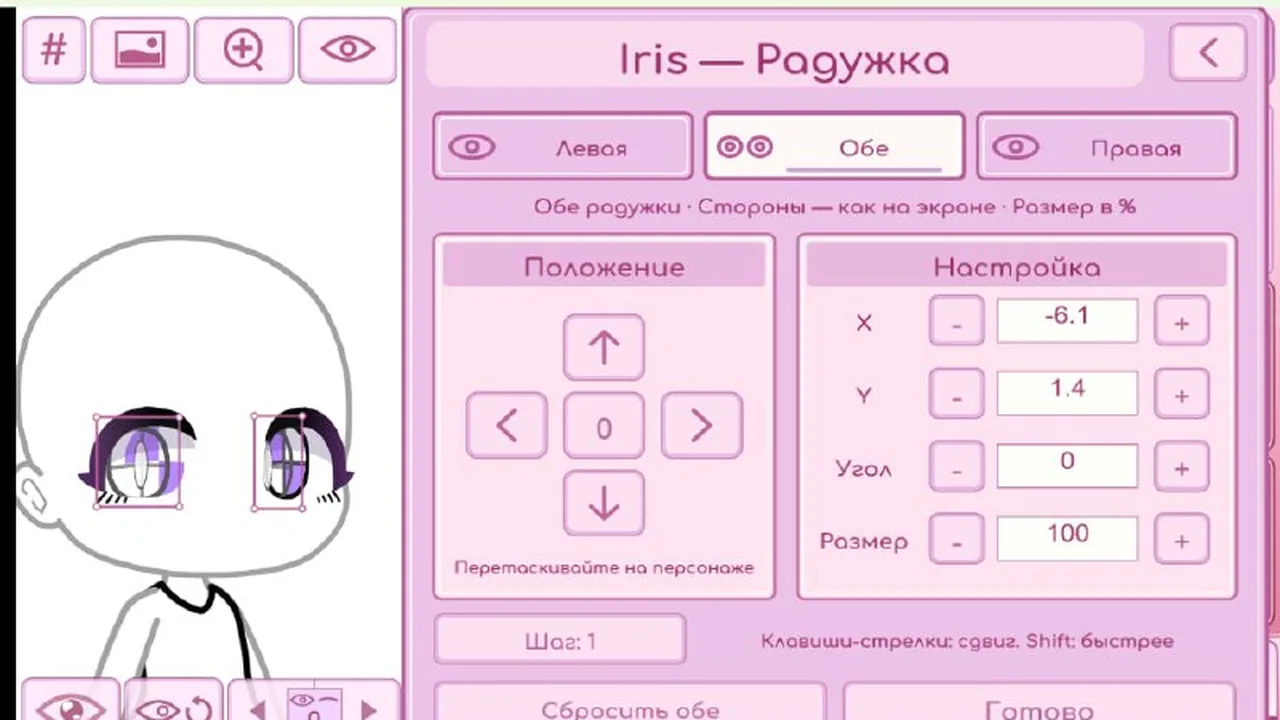

The Iris Slider
Chibichu for Android lets the iris sit off centre, which is the detail that makes eyes feel alive. Fix the iris position before you touch eye colour, and finish the rest of the face before shifting the iris. Shift it after the face is done and you will redo the eyes, since the iris position changes how every eye choice reads. The Hair guide and Colour palettes guides cover the neighbouring steps.
Brows and Expression
Brows carry more expression than mouths at small sizes. Set the brows with the eyes, then add the mouth last, and check the whole face at Studio size before calling it done. A face that reads large and vanishes small needs stronger brows and simpler details.
Face Details
Facial features get the same position and size controls as other parts, and imported PNG details can add marks, blush, or accessories to the face. Keep face details few: one strong detail beats three competing ones.