

What Stays Familiar
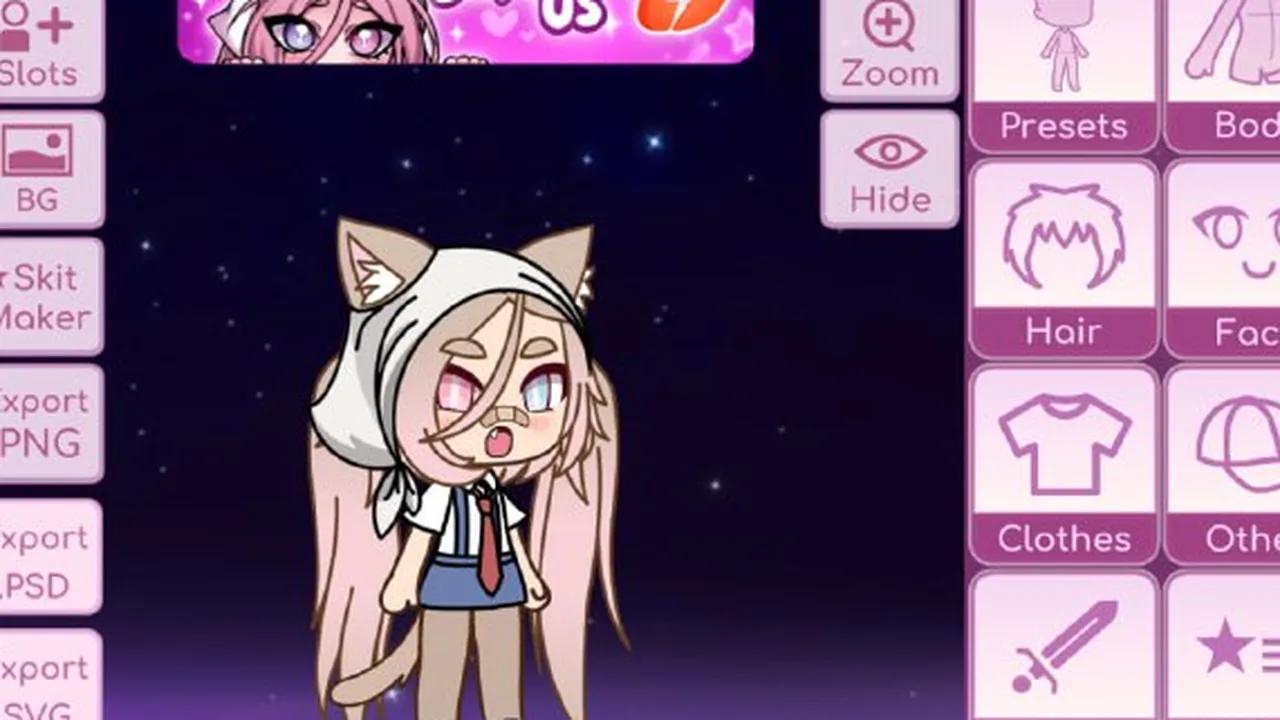
Chibichu for Android keeps the worlds, minigames, and Life Mode, and its menus and controls keep a familiar Gacha Life look. The editor layout is familiar too: character in the centre, Dress Up panel on the right, Home, Studio, and Options along the bottom. A Gacha Life player finds their footing in minutes. The First character and Custom poses guides cover the neighbouring steps.
What Changes
The editor rebuild is the difference. Gacha Life gives preset poses, a few variants of most parts, and a fixed outline colour. Chibichu gives handmade poses, position and size controls for hair, accessories, and facial features, an iris that can sit off centre, and outline colours that change per piece.
Imported resources and extra character pages extend the editor further, and PNG, SVG, and layered PSD exports carry the work out of the app. The home screen carries its own visual style, marking the rebuild from the first tap.
Who Gains Most
Creators who live in the editor gain the most: pose makers, scene builders, and anyone who exports characters for desktop work. Players who only want minigames and Life Mode already have what they need, and Chibichu adds its value where the editor is the game.