
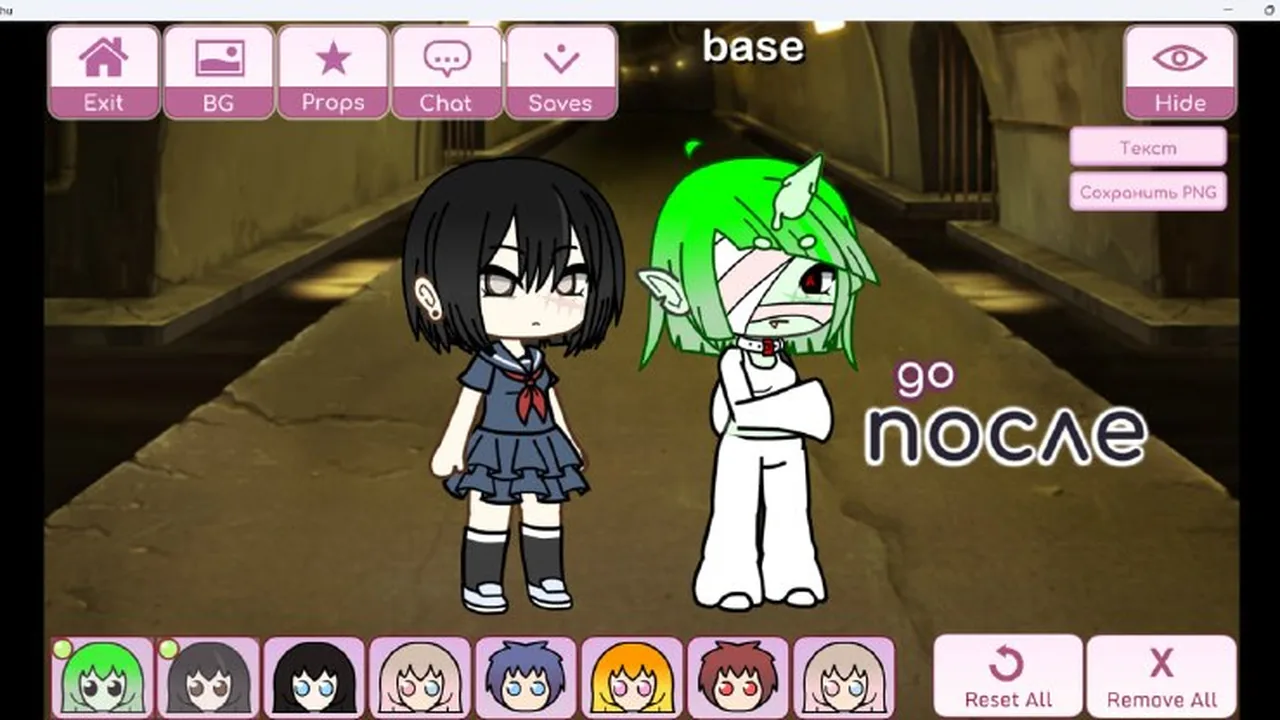

Handmade Poses
Chibichu for Android poses are made by hand, not picked from a list. Drag limbs and parts into place, step back, and check the silhouette: a pose that reads in silhouette reads in a scene. Small adjustments beat big ones, since a few pixels of lean change the whole feeling. The Studio scenes and Pose library guides cover the neighbouring steps.
Save every pose that works. Building the same pose twice is wasted time, and a saved pose is one tap away in any scene.
When to Use a Preset
The old pose catalog stays for quick work. Use a preset when it already says what the scene needs, and hand-build the poses that carry the story: a lean, a reach, a turn of the head that no preset quite lands. Mixing presets and handmade poses in one cast looks natural, since real groups never all stand the same way.
Poses in Scenes
In Studio, place the main character first and build the pose around the background, not the other way round. Check the frame rate counter as characters join the scene, and simplify before the counter drops below twenty with three characters on screen.