
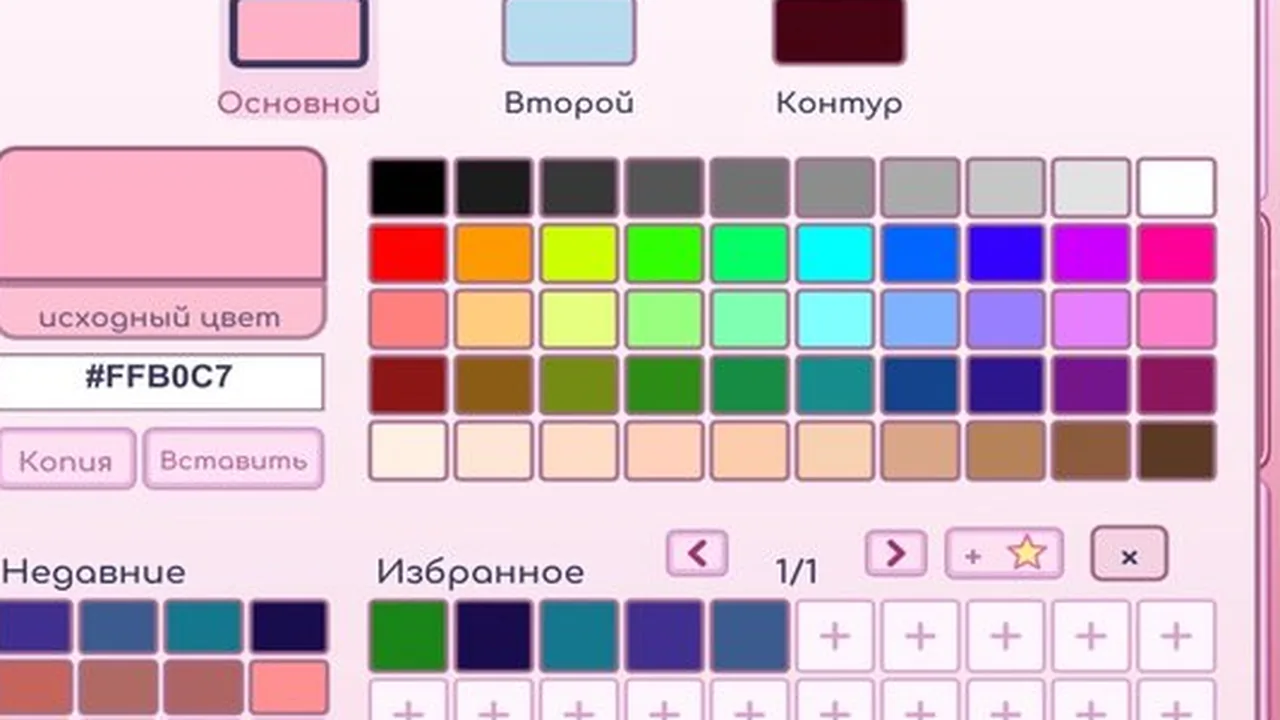

Per-Piece Outlines
Chibichu download lets outline colours change per piece, which is the quiet revolution in the editor. Bodies, clothing, accessories, and faces can each carry their own outline, so a character reads as drawn rather than assembled from flat parts. The Colour palettes and Import guide guides cover the neighbouring steps.
Use outlines to separate, not to decorate. A darker outline where two parts meet keeps them distinct, and a matching outline where parts belong together keeps the character whole.
Separation That Works
Dark hair on a dark background needs a lighter outline. Light clothing on a light background needs a darker one. Check outlines in Studio, against the backgrounds you actually use, since an outline that works on white may vanish on a busy scene.
Restraint
One outline strategy per character is enough. Mixing many outline colours in one character reads as noise, while a consistent approach lets the character hold together at any size.